

Australian Sales & Support 1800 519 724

Linux VPS · Sydney

Linux VPS Hosting in Sydney

A Linux virtual server in Sydney for sites and apps whose users are in New South Wales. NVMe storage, full root access, and the same plans as Melbourne, starting at $32.95/month GST inclusive.

Choose Sydney in the order form. Shared cPanel hosting already runs in this city, so a Sydney VPS is the usual next step when a local site needs its own machine. Plans and checkout are on this page.

Deploy in Sydney
NVMe SSD storage included
Full root access
No setup fee
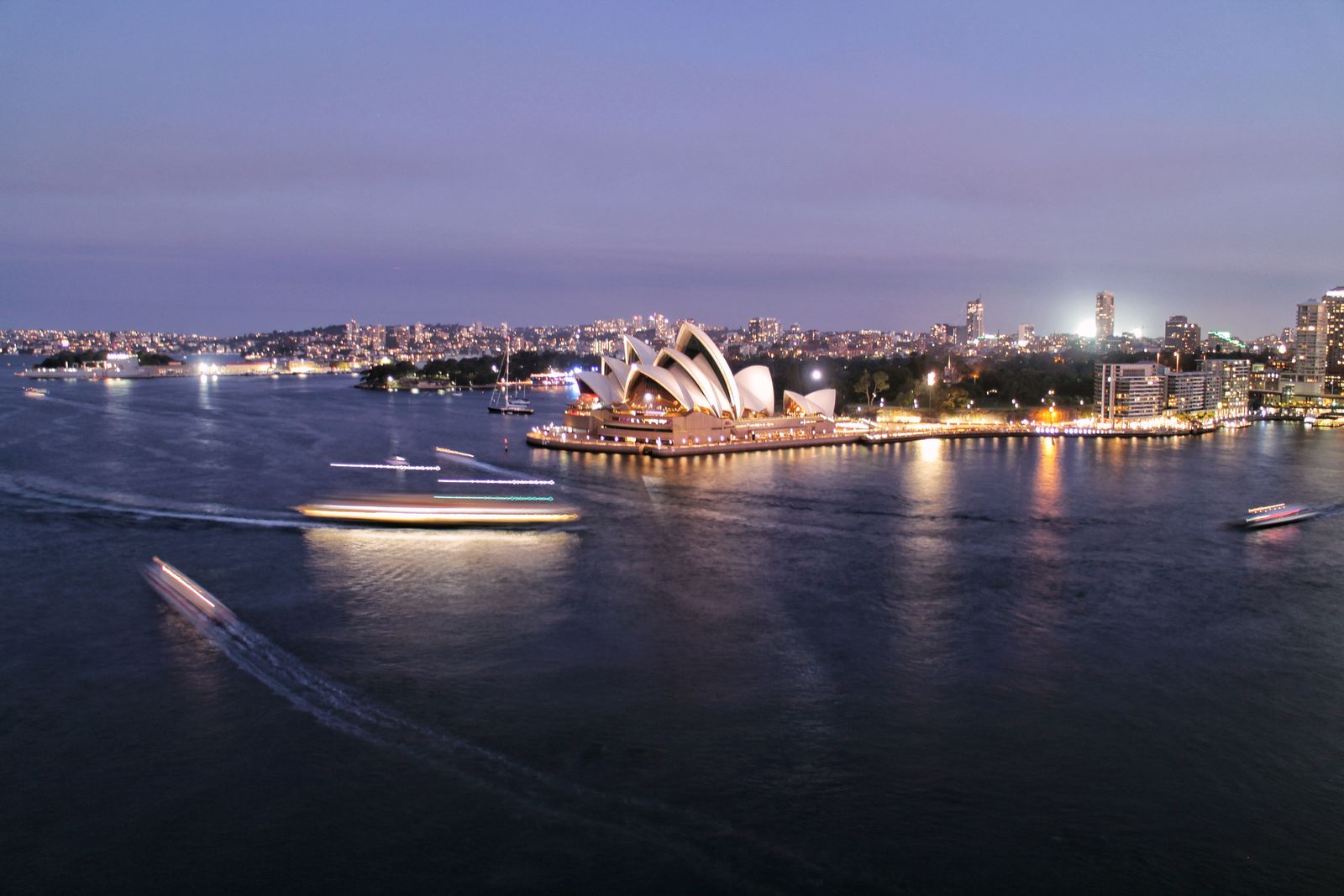
Sydney Harbour and the Opera House

When a Sydney VPS is the right server

Sydney is the deployment for shops, booking tools, agencies, and APIs whose users are in Sydney, Newcastle, Wollongong, or the rest of the east coast. A shorter path to the machine shows up on every click.

It is an unmanaged Linux VPS. You install Nginx, Docker, a panel, or whatever else the app needs, and you keep it patched. HSJ Host provisions the machine, monitors the platform, and answers on Australian support lines. The national range, including worldwide locations, is on the Linux VPS hosting page. This page is for ordering in Sydney.

Sydney Harbour and the Opera House

Built for New South Wales

Use Sydney when the audience is local. A booking calendar for a Sydney clinic, a membership site for an east-coast club, or an API that a Newcastle office calls all day will feel snappier on a machine in the same city than on one in another state.

You still get the full Cloud Compute range: from 2 vCPU and 2GB RAM on Compute 1 through to 24 vCPU and 96GB RAM on Compute 6. DDoS protection and a 99.9% uptime SLA are on every plan. There is no setup fee.

If nearly all of the users are in Victoria, order VPS hosting in Melbourne instead. The price does not change.

Same city as shared hosting

Shared cPanel hosting already runs in Sydney, from about $8.79/month. Stay there for a brochure WordPress site, a small store, or email on your domain. Move to a Sydney VPS when that account is out of CPU, you need Docker, or you want root access without leaving the city.

A typical move looks like this. Export the site, order Compute 1 or Compute 2, pick Sydney and a Linux distribution at checkout, then install the stack and point DNS once you have tested it. Backups and extra IPv4 addresses are optional add-ons on the order form.

Agencies that sell hosting onward usually want cPanel reseller hosting instead of a raw VPS. A VPS is the right tool when you are administering the server yourself.

Servers in a data centre
A team working together at a desk

What teams in Sydney run on it

Common Sydney workloads are a WordPress site that outgrew shared hosting, a staging box beside production, a Docker host for a small product, and a private API for an office on the east coast. Compute 1 and 2 cover most of those. Compute 3 and above are for production apps that are already busy.

After payment, the service shows up in the client portal. From there you can restart, reinstall a distribution, read graphs, and manage reverse DNS. Australian phone, email, and ticket support stays with both Sydney and Melbourne deployments. The city is where the virtual machine runs, not which office answers the ticket.

Sydney fits when

  • Your users are in New South Wales or along the east coast.
  • You want the VPS in the same city as shared cPanel hosting.
  • A site, API, or Docker host has outgrown shared resources.
  • You are ready to administer a Linux server yourself.
  • You want NVMe, root access, and Australian support on one bill.

Look elsewhere when

  • Most of your users are in Victoria. Use the Melbourne page instead.
  • A normal WordPress site still fits on shared hosting from about $8.79/month.
  • You want HSJ Host to patch the operating system. These plans are unmanaged.
  • You need Windows Server. That is a separate Windows VPS range.
  • You want to resell cPanel accounts. Reseller hosting is the better product.

Sydney VPS plans & pricing

Same six Linux plans in Sydney and Melbourne. Prices include GST. Choose Sydney as the location on the order form. There is no setup fee.

Cloud Compute 1 Linux

Entry-level compute for small workloads

$32.95 /month

GST inclusive

No setup fee

Checkout price: $32.95 (GST inclusive)

  • 65GB NVMe SSD Storage
  • 2 vCPU Cores
  • 2GB RAM Memory
  • 3TB Bandwidth
  • Full Root Access
  • Choice of Linux OS
  • Deploy in Sydney
  • DDoS Protection
  • 99.9% Uptime SLA
  • Free Setup
Get Started

Choose Sydney at checkout • 24/7 Australian support

Most popular

Cloud Compute 2 Linux

Balanced resources for growing apps

$43.95 /month

GST inclusive

No setup fee

Checkout price: $43.95 (GST inclusive)

  • 80GB NVMe SSD Storage
  • 2 vCPU Cores
  • 4GB RAM Memory
  • 3TB Bandwidth
  • Full Root Access
  • Choice of Linux OS
  • Deploy in Sydney
  • DDoS Protection
  • 99.9% Uptime SLA
  • Free Setup
Get Started

Choose Sydney at checkout • 24/7 Australian support

Cloud Compute 3 Linux

More CPU and memory for busy sites

$76.95 /month

GST inclusive

No setup fee

Checkout price: $76.95 (GST inclusive)

  • 160GB NVMe SSD Storage
  • 4 vCPU Cores
  • 8GB RAM Memory
  • 4TB Bandwidth
  • Full Root Access
  • Choice of Linux OS
  • Deploy in Sydney
  • DDoS Protection
  • 99.9% Uptime SLA
  • Free Setup
Get Started

Choose Sydney at checkout • 24/7 Australian support

Cloud Compute 4 Linux

High performance for production apps

$307.95 /month

GST inclusive

No setup fee

Checkout price: $307.95 (GST inclusive)

  • 640GB NVMe SSD Storage
  • 8 vCPU Cores
  • 32GB RAM Memory
  • 6TB Bandwidth
  • Full Root Access
  • Choice of Linux OS
  • Deploy in Sydney
  • DDoS Protection
  • 99.9% Uptime SLA
  • Free Setup
Get Started

Choose Sydney at checkout • 24/7 Australian support

Cloud Compute 5 Linux

Enterprise resources for heavy workloads

$615.95 /month

GST inclusive

No setup fee

Checkout price: $615.95 (GST inclusive)

  • 1280GB NVMe SSD Storage
  • 16 vCPU Cores
  • 64GB RAM Memory
  • 10TB Bandwidth
  • Full Root Access
  • Choice of Linux OS
  • Deploy in Sydney
  • DDoS Protection
  • 99.9% Uptime SLA
  • Free Setup
Get Started

Choose Sydney at checkout • 24/7 Australian support

Cloud Compute 6 Linux

Maximum capacity for large scale apps

$1,315.55 /month

GST inclusive

No setup fee

Checkout price: $1,315.55 (GST inclusive)

  • 1600GB NVMe SSD Storage
  • 24 vCPU Cores
  • 96GB RAM Memory
  • 15TB Bandwidth
  • Full Root Access
  • Choice of Linux OS
  • Deploy in Sydney
  • DDoS Protection
  • 99.9% Uptime SLA
  • Free Setup
Get Started

Choose Sydney at checkout • 24/7 Australian support

Linux distributions on the Sydney VPS

Pick the operating system in the order form. The list is the same in Sydney and Melbourne. If you need a specific version, contact the team before you pay.

Ubuntu 22.04 LTS
Ubuntu 24.04 LTS
Debian 11
Debian 12
AlmaLinux 8
AlmaLinux 9
Rocky Linux 8
Rocky Linux 9

Order a Sydney VPS in four steps

Pay for the plan and setup starts automatically. Choose Sydney as the location so the machine is not created in Melbourne by default.

1

Choose a plan

Match CPU, RAM, and NVMe to the workload

2

Pick Sydney and a Linux OS

Location and distribution are both on the order form

3

Pay securely

GST-inclusive price, no setup fee

4

Automatic setup

Login details arrive within minutes

Sydney VPS FAQ

Location, pricing, and what you manage yourself.

Is the Sydney VPS a different product from Melbourne?

No. Sydney and Melbourne use the same Cloud Compute Linux plans, the same NVMe storage, and the same monthly price. You choose Sydney as the deployment location during checkout. CPU, RAM, and disk do not change with the city.

Who should deploy a VPS in Sydney?

Choose Sydney when the people using the server are in New South Wales or elsewhere on the east coast, or when you want the virtual machine in the same city as shared cPanel hosting. If most users are in Victoria, Melbourne is the closer choice.

Can I move a site from shared hosting in Sydney onto this VPS?

Yes. Shared cPanel hosting already runs in Sydney, so a Sydney VPS keeps that traffic in the same city and gives you root access. You install the operating system, web server, and applications yourself. These plans are unmanaged.

How do I make sure the server is created in Sydney?

Open the plan you want and choose Sydney as the location in the order form before you pay. Setup starts automatically after payment, and login details are sent within minutes. The same plans can also be deployed in Melbourne if you change that choice.

Which Sydney plan should I start on?

Cloud Compute 1 at $32.95/month suits a small app, a staging box, or a site that has just left shared hosting. Compute 2 at $43.95/month adds RAM. Compute 3 at $76.95/month is the step up when CPU and memory are the limit. Larger plans are on this page if the workload needs them.

Does HSJ Host manage the Sydney server for me?

No. You get root access and you patch the operating system, firewall, and applications. Australian support covers the platform, billing, and the client portal. A normal WordPress brochure site is often better on shared hosting from about $8.79/month.

Ready to launch your Sydney VPS?

Pick a plan, choose Sydney at checkout, and the server provisions after payment. Same NVMe plans as Melbourne, with Australian support.

Nationwide locations and the full product story are on Linux VPS hosting. The other city is VPS hosting in Melbourne.