
Free email signature generator to copy and paste
Choose an email signature template, add your details and an optional logo, then copy a plain-text or HTML signature into Gmail, Outlook, Apple Mail or webmail. No login.
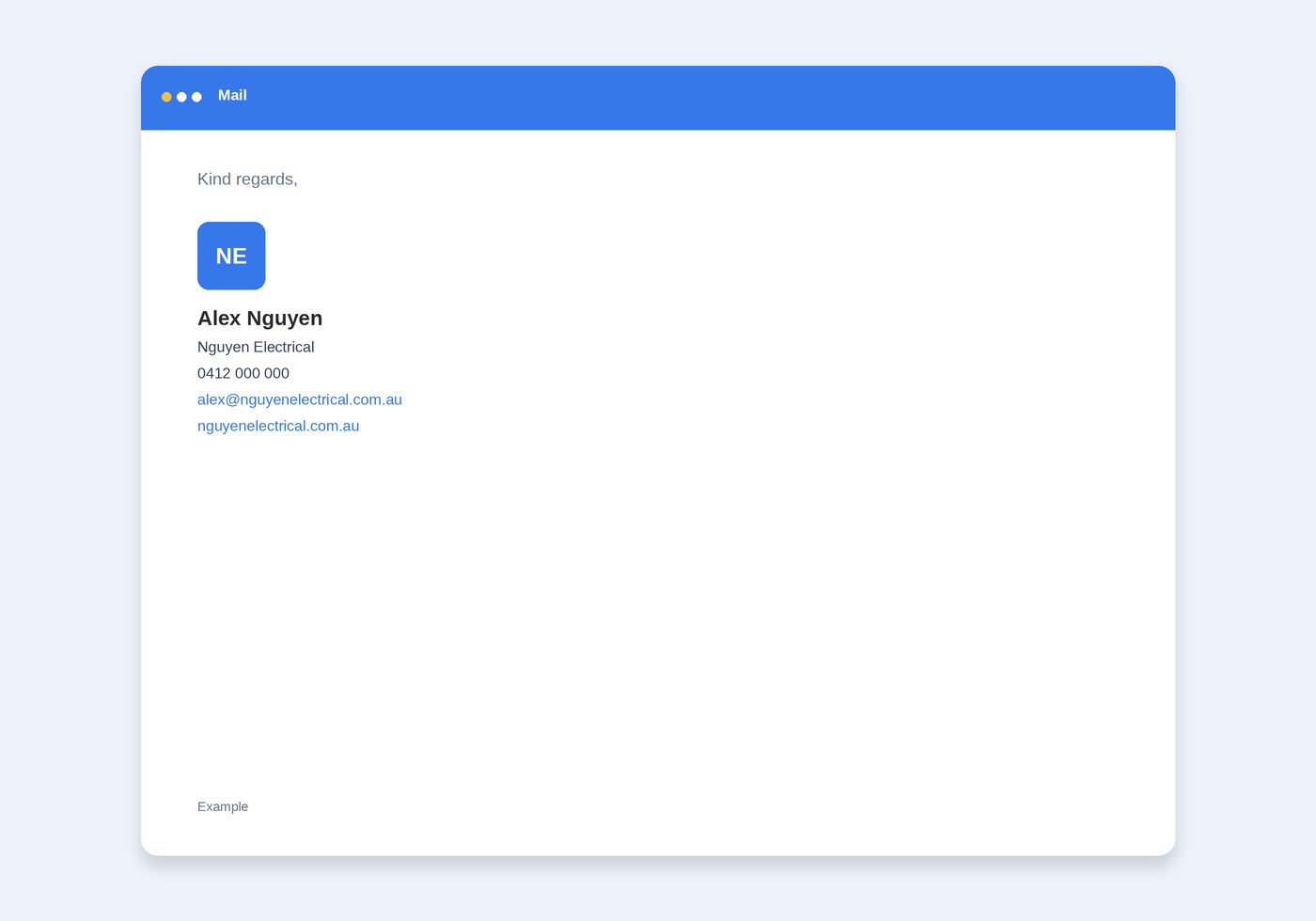
Kind regards,
Example. Type your details and this updates.
Copy signature is plain text, which every mail app can paste. Copy with links includes the logo, and makes the email and website clickable. If an inbox hides the logo, your name, phone and email are still there.
What belongs in the signature is covered in professional email signature: what to include. The address itself should be on your domain. See business email if you do not have one yet.
Email signature templates
Each template leaves out anything you do not fill in. The preview updates as you type, and it shows an example until you add your own details.
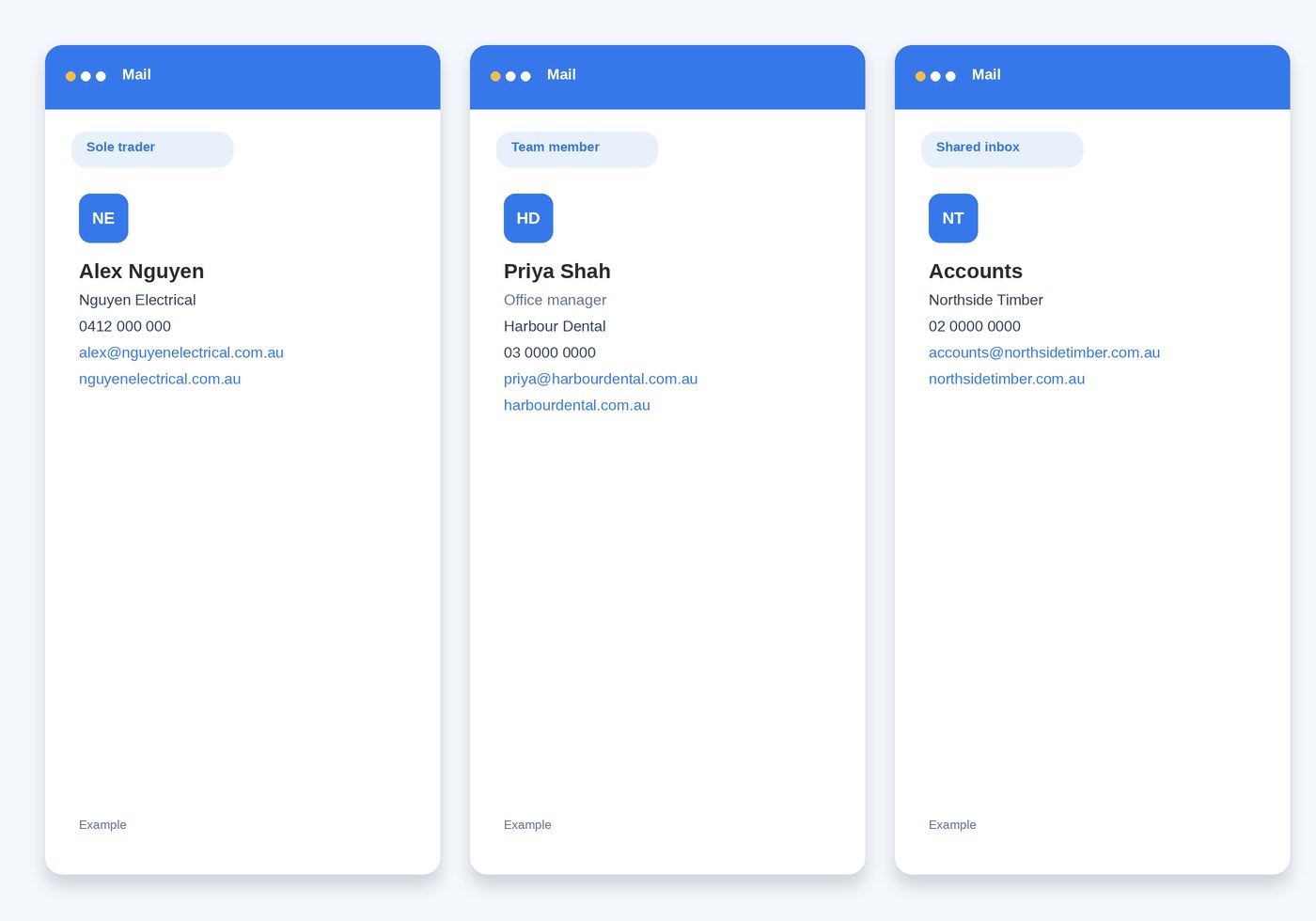
Three layouts for how you work
- Sole trader. Your name, business, phone, email and an optional website.
- Team member. The same details, plus your role under your name.
- Shared inbox. A team name, such as Accounts, in place of a person.
HTML email signature or plain text
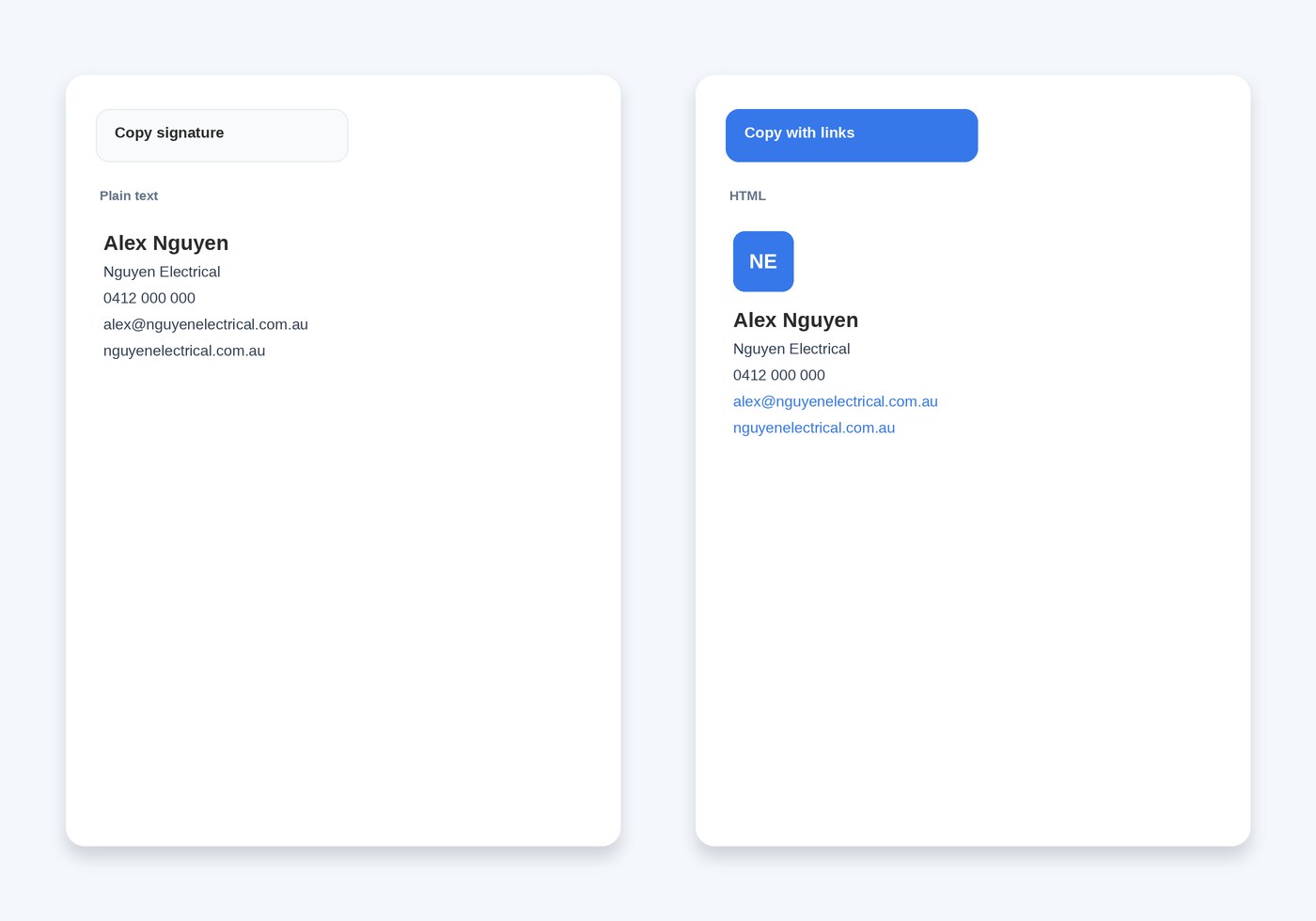
Copy signature pastes plain text. Every mail app can use it, including Gmail, Outlook, Apple Mail, webmail and a phone.
Copy with links pastes an HTML email signature: the logo, plus a clickable email address and website. Paste that into Gmail or Outlook when you want the logo to appear. If an inbox hides images, the name, phone and email remain.
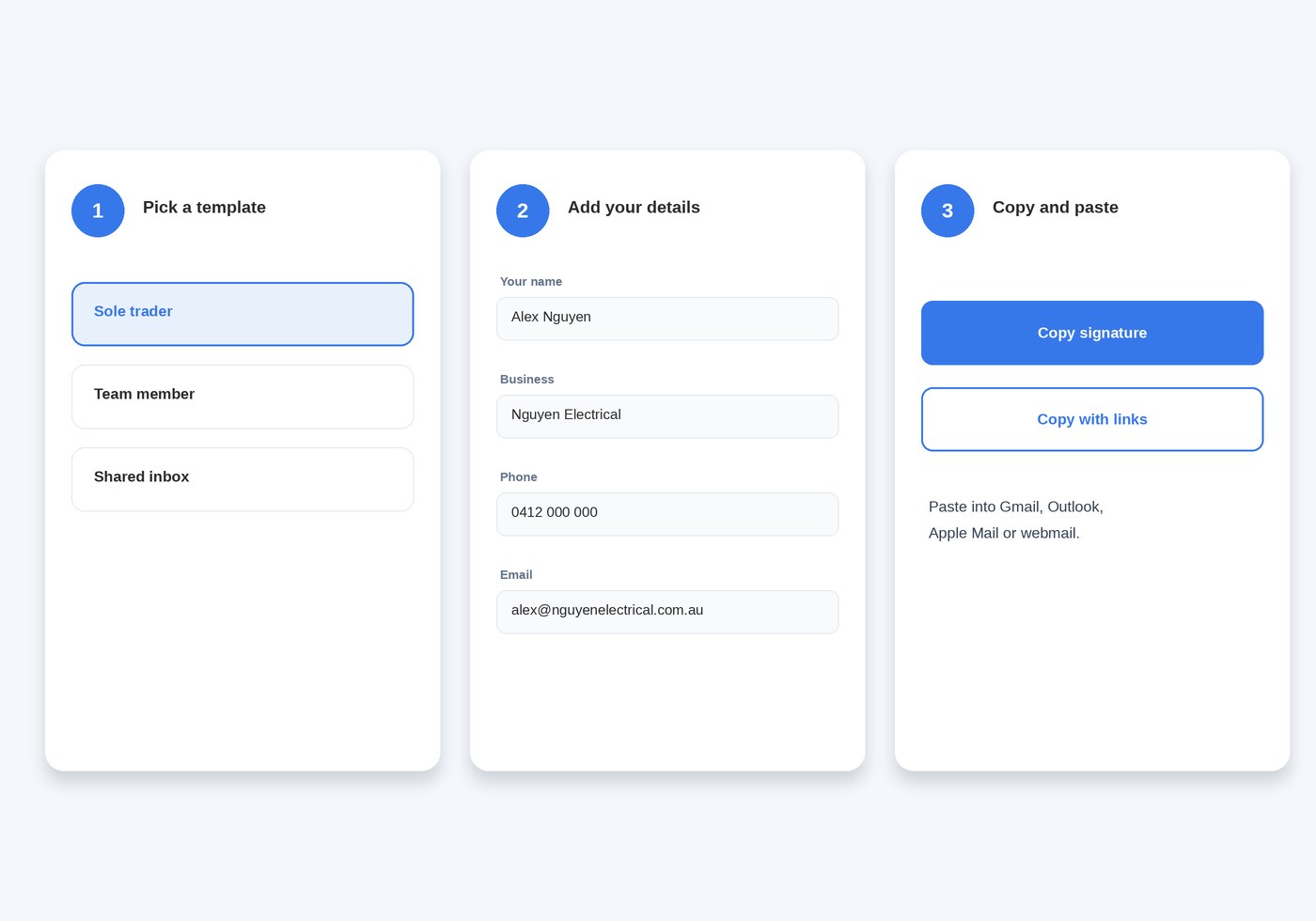
How to use this free email signature generator
- Pick a template: sole trader, team member or shared inbox.
- Add the name or team, business, phone and email. Website and logo are optional.
- Copy signature for plain text, or copy with links for an HTML signature you can paste into Gmail or Outlook.
Email signature generator questions
Is this email signature generator free?
Yes. Use it in your browser with no account and no login. The details you type stay on this page. A logo is saved only so mail apps can load the image after you paste the signature.
Does it work with Gmail and Outlook?
Yes. Copy with links pastes an HTML signature into Gmail or Outlook, including the logo and clickable email and website. Copy signature pastes plain text, which also suits Apple Mail, webmail and a phone.
Can I add a logo to an HTML email signature?
Yes. Upload a PNG, JPG or WebP logo under 2 MB. It is resized to fit above your name. If an inbox hides images, your name, phone and email are still in the signature.
Which email signature template should I use?
Use Sole trader for your own name and business. Use Team member to add your role. Use Shared inbox when the address belongs to a team, such as accounts, and put the team name in place of a person.