
Overview
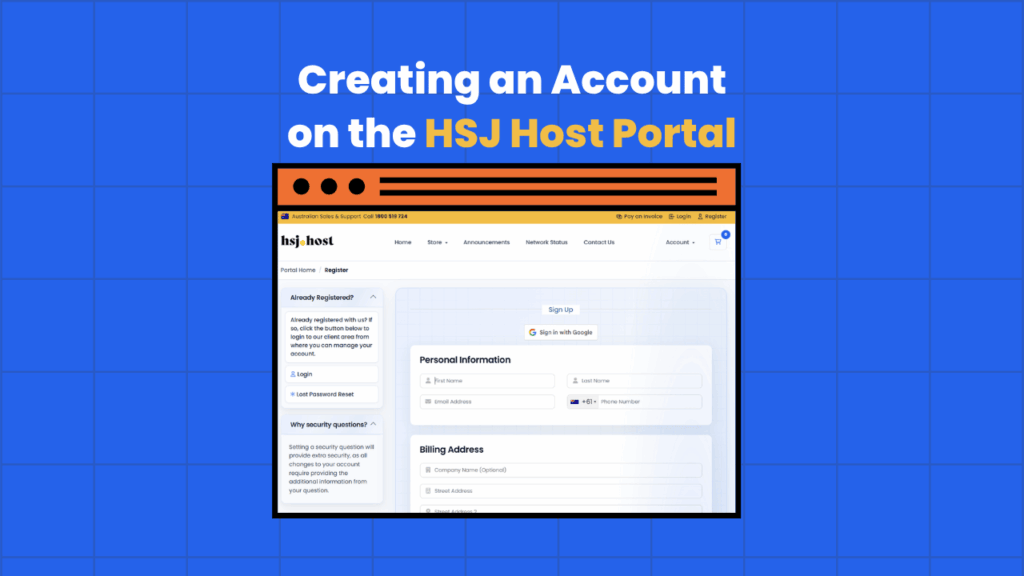
This guide is designed to assist users in creating an account on the HSJ Host Portal. Registering an account is the first step towards accessing and managing web hosting services provided by HSJ Host. The process is straightforward and provides users with access to a dashboard where they can manage their hosting services, view billing information, and access support. This guide will walk you through the registration process step-by-step, ensuring a smooth and hassle-free experience.
Prerequisites
Before proceeding with the account creation process, ensure you have the following:
- A valid email address, which will be used for verification and communication purposes.
- Access to a web browser to navigate to the registration page.
Procedure
- Navigate to the Registration Page
a. Open your preferred web browser and enter the following URL: HSJ Host Portal Register This will take you to the registration page of the HSJ Host Portal.
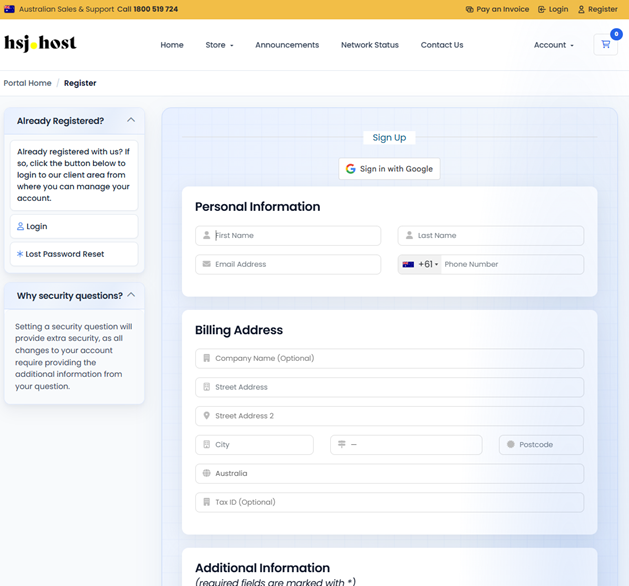
b. Review the registration form before starting to fill in your details. It’s important to familiarize yourself with the information required.
- Fill Out the Registration Form
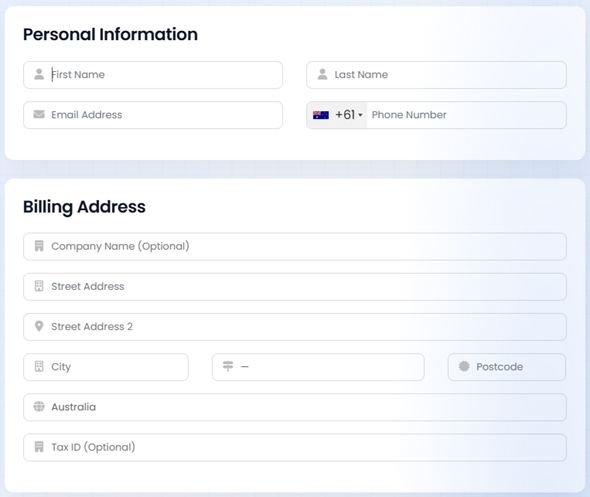
a. Start by entering your personal information, including your full name and email address. Ensure that the email address is correct, as it will be used for account verification and communication.
- b. Create a secure password for your account. Follow any guidelines provided on the page for password strength, such as the minimum number of characters or the inclusion of symbols.
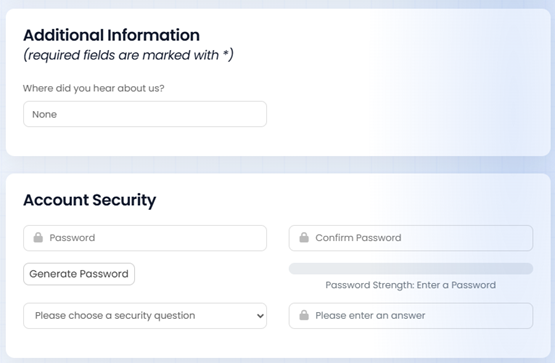
c. If there are any additional fields, such as security questions or preferences for receiving promotional emails, complete them as per your preference
- Complete the Registration
a. After filling out all necessary information, look for a captcha or security challenge, if any, to prove that you are not a robot. Complete this step as directed.
b. Click on the “Register” button to submit your information. You may need to wait a few moments for the process to complete.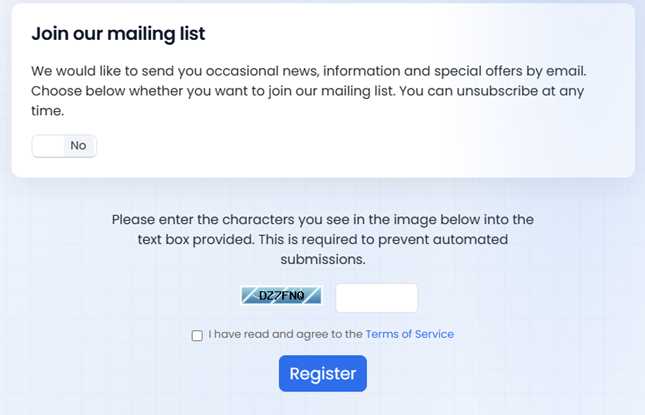
Conclusion
Congratulations! You have successfully created an account on the HSJ Host Portal. With your account now active, you can log in and start managing your web hosting services. Remember to explore all the features and tools available to you through the portal. For further assistance or to troubleshoot common issues, refer to the help section within the HSJ Host Portal or contact customer support.