
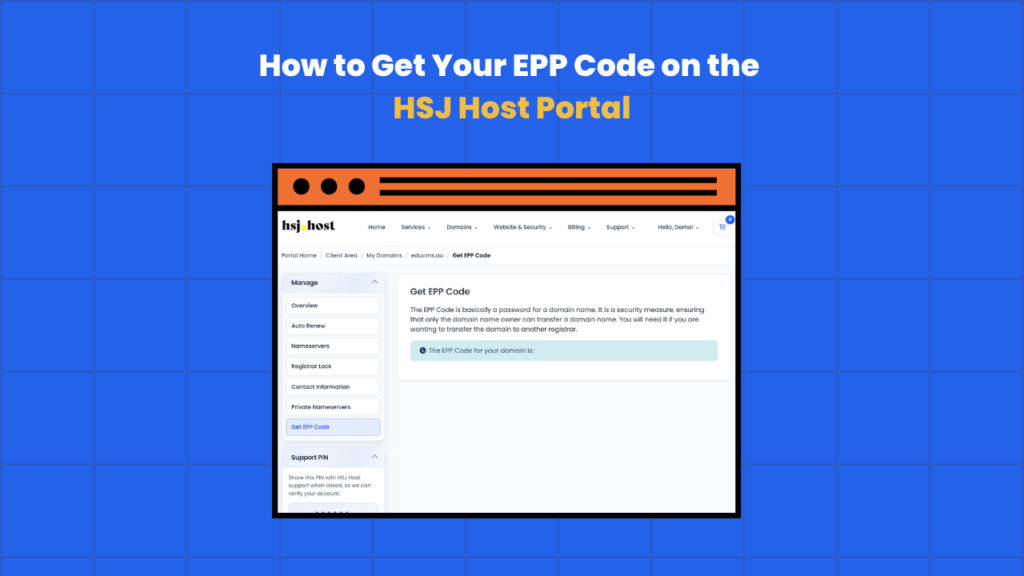
If you’re transferring a domain away from HSJ Host to another registrar, you’ll be asked for an EPP code at some point during the process. It’s a standard part of any domain transfer, and generating one only takes a couple of minutes through the client portal. Here’s what it is and how to get hold of it.
What is an EPP code?
An EPP code (short for Extensible Provisioning Protocol code) is a unique authorisation code tied to your domain. It’s sometimes called a transfer code or auth code, and it exists purely to confirm that whoever is requesting a transfer actually has the right to move that domain.
When you start a transfer with a new registrar, they’ll ask you to enter the EPP code for the domain. Without it, the transfer can’t go ahead, it’s the domain equivalent of proving you’re the account holder before someone hands over the keys.
Not every domain extension uses an EPP code in the same way. Some, like most .au domains, use a similar authorisation process but may not require a separate code in every case. If you’re unsure whether your domain needs one, your new registrar will usually tell you exactly what’s required to complete the transfer.
Before you request an EPP code
A couple of things worth checking first.
- Your domain needs to have Registrar Lock switched off before a transfer can go through. The EPP code alone won’t be enough if the lock is still enabled.
- Domains generally can’t be transferred within 60 days of initial registration, or within 60 days of a previous transfer. If your domain falls into either category, you’ll need to wait before a transfer can proceed.
- Make sure the contact email on the domain is current, since EPP codes are sometimes sent via email rather than shown directly in the portal, depending on the domain extension.
How to get your EPP code
Step 1, log in to the client portal
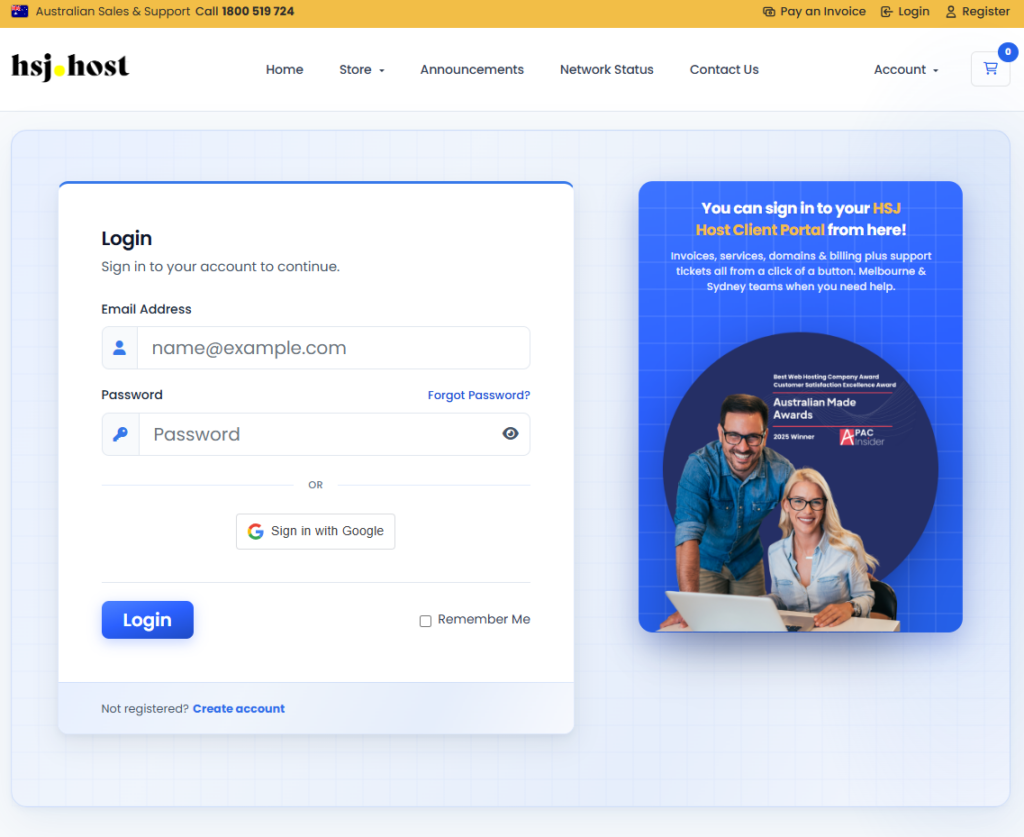
Go to the HSJ Host client portal and log in with your account details.
Step 2, open your domain list
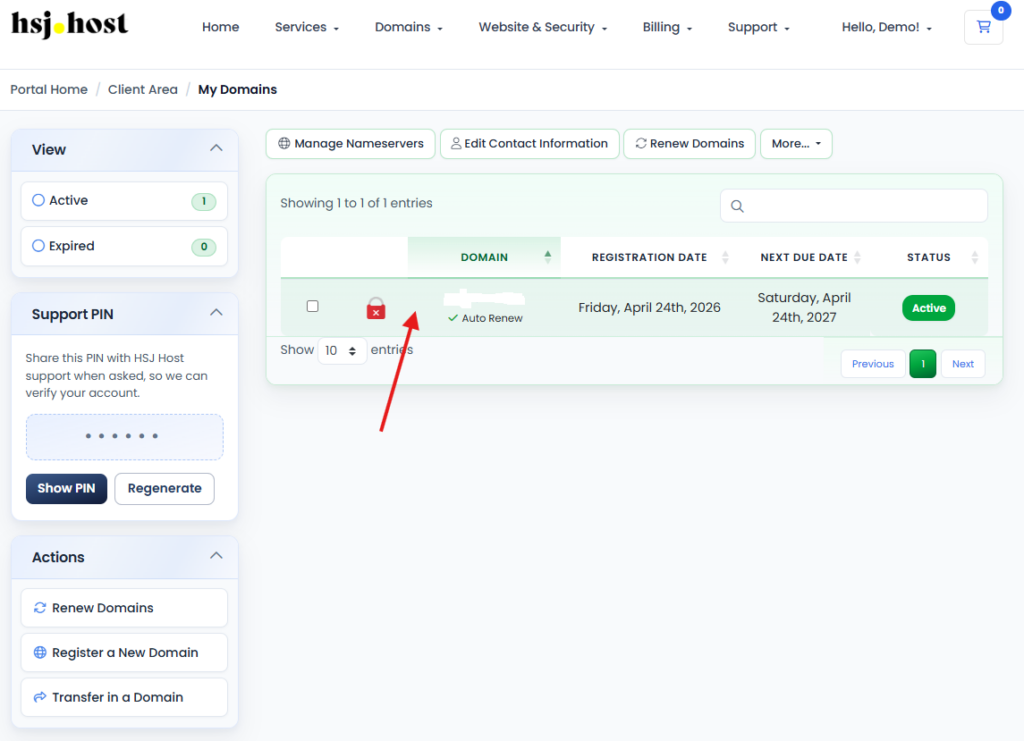
Go to the Domains menu and select My Domains to see every domain on your account.
Step 3, select the domain
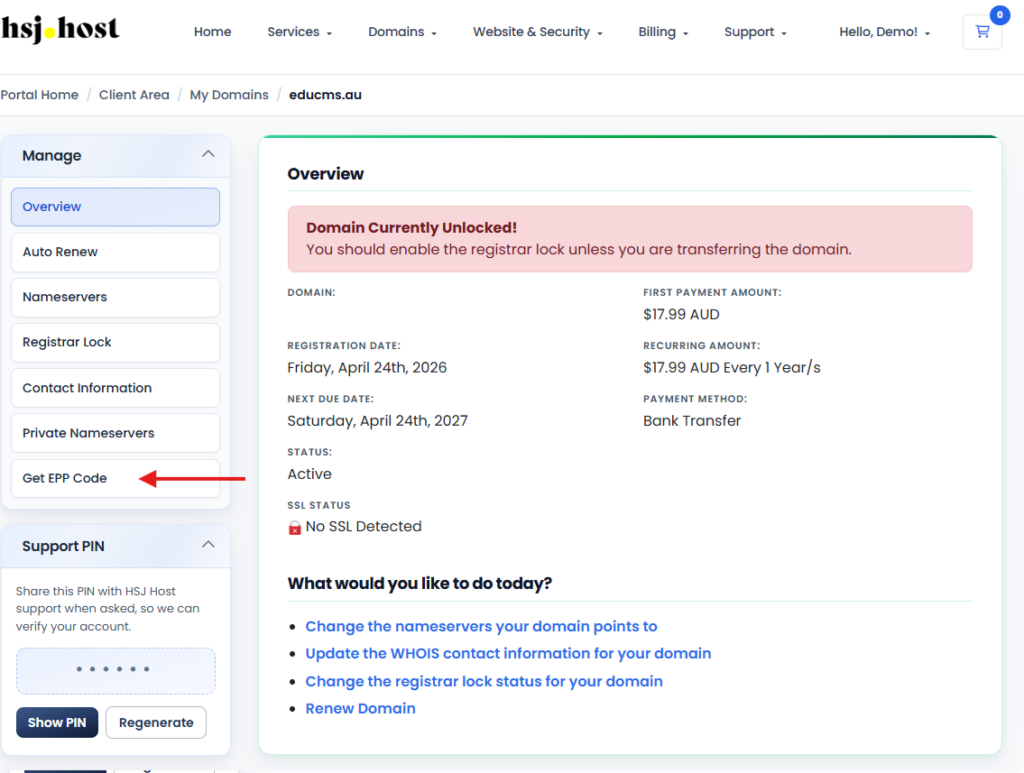
Click on the domain you need the EPP code for to open its management page.
Step 4, find the EPP code option
Look for Request EPP Code, Get EPP Code, or Transfer Code, usually found under the Management tab or alongside the Registrar Lock setting.
Step 5, request the code
Click the button to request the code. Depending on the domain extension, it may appear directly on screen, or be sent to the domain’s registered contact email instead.
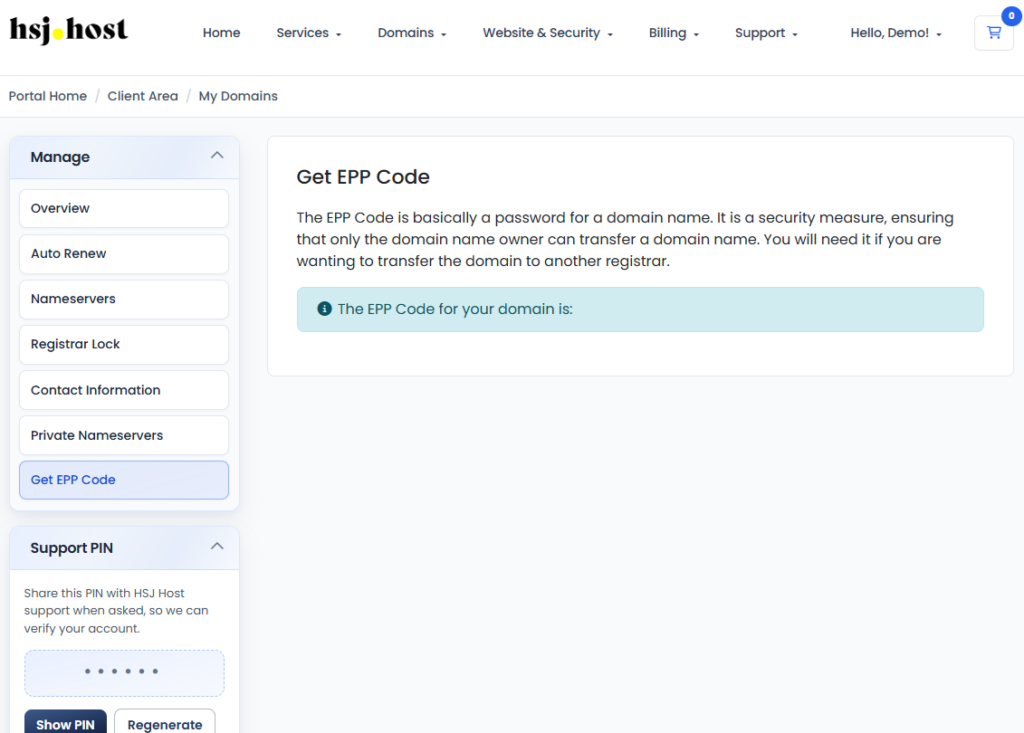
Step 6, use the code with your new registrar
Copy the code exactly as shown, extra spaces or missing characters are a common reason transfers get rejected, and enter it wherever your new registrar asks for the authorisation or EPP code.
What happens after you submit the EPP code
Once your new registrar has the correct code and your domain isn’t locked, the transfer request goes through. Most transfers complete within five to seven days, though this can vary by domain extension. You may receive a confirmation email at some point during the process, and it’s worth approving that promptly if asked, since an unapproved transfer can stall or be automatically rejected after a set period.
Things to keep in mind
- EPP codes are usually case sensitive, so copy and paste rather than retyping them
- A code that’s been generated still works even if you don’t use it right away, but registrars often recommend requesting a fresh one if some time has passed
- Getting an EPP code doesn’t start a transfer or change anything about your domain by itself, it’s just the first step
- If your domain is on privacy protection, the EPP code still works the same way, privacy settings don’t affect transfers
Troubleshooting
I can’t find the EPP code option in the portal
Its exact location can vary slightly depending on the domain extension. If you can’t find it, our support team can generate it for you.
My new registrar says the EPP code is invalid
Double check for extra spaces or characters copied along with the code, and confirm Registrar Lock is switched off. If it still doesn’t work, request a fresh code, as some registries expire old ones after a certain period.
I never received the EPP code by email
Check the contact email listed against the domain is correct and check your spam folder. If it still hasn’t arrived, reach out to support and we can confirm or resend it.
Need a hand?
If you’re partway through a domain transfer and need help getting your EPP code, or something’s not going to plan, the HSJ Host support team is available 24/7 through the client portal or by calling 1800 519 724.