
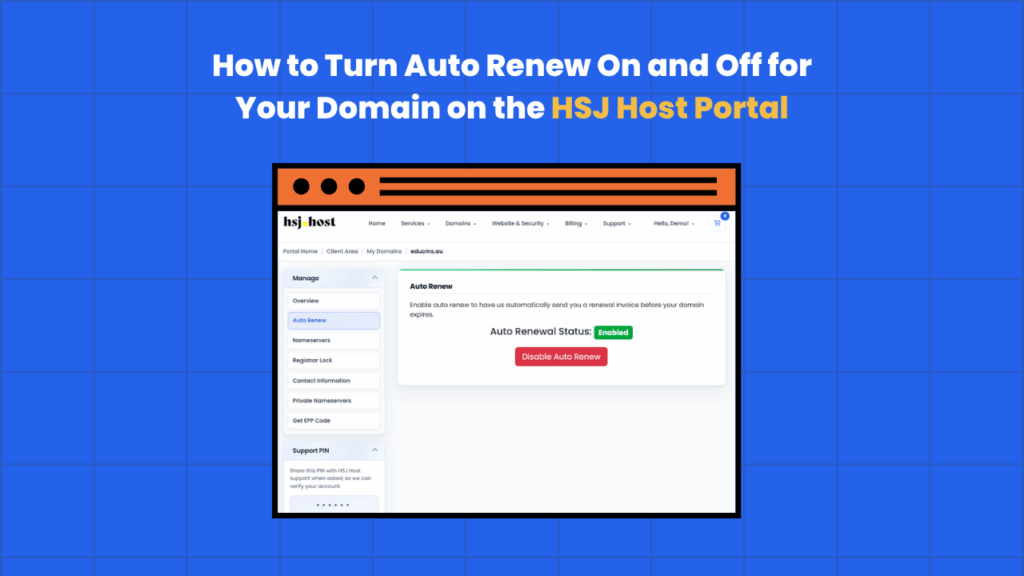
Auto Renew controls whether your domain renews automatically when it’s due to expire. Leaving it on is the safer option for most people, since it means one less date to keep track of, but there are times you might want to turn it off. Here’s what it does and how to change it in the HSJ Host client portal.
What is Auto Renew?
Auto Renew is a setting attached to each domain in your account that determines what happens as the domain approaches its expiry date. When it’s switched on, the domain renews automatically using your saved payment method, and you keep the domain without needing to do anything. When it’s switched off, the domain won’t renew on its own, and you’ll need to renew it manually before it expires.
It’s worth keeping in mind that a domain expiring isn’t always immediate or final. Most registries allow a short grace period after expiry, but renewing late can come with extra fees, and if the domain isn’t renewed at all within the allowed window, it can eventually be released and become available for anyone else to register. Auto Renew exists mainly to avoid that situation altogether.
Should Auto Renew be on or off?
For most domains, especially ones tied to an active website, email addresses or a business, leaving Auto Renew switched on is the sensible default. It removes the risk of a missed renewal date costing you the domain.
There are a few reasons you might turn it off instead
- You’re planning to let the domain expire on purpose, for example if you’re no longer using it
- You’d rather review and pay for renewals manually each time rather than have them charged automatically
- You’re in the process of transferring the domain away and want to avoid a renewal charge going through beforehand
- You’re managing a domain on someone else’s behalf and renewals are being handled outside the portal
Outside of those situations, most domain owners are better off leaving it on.
How to turn Auto Renew on or off
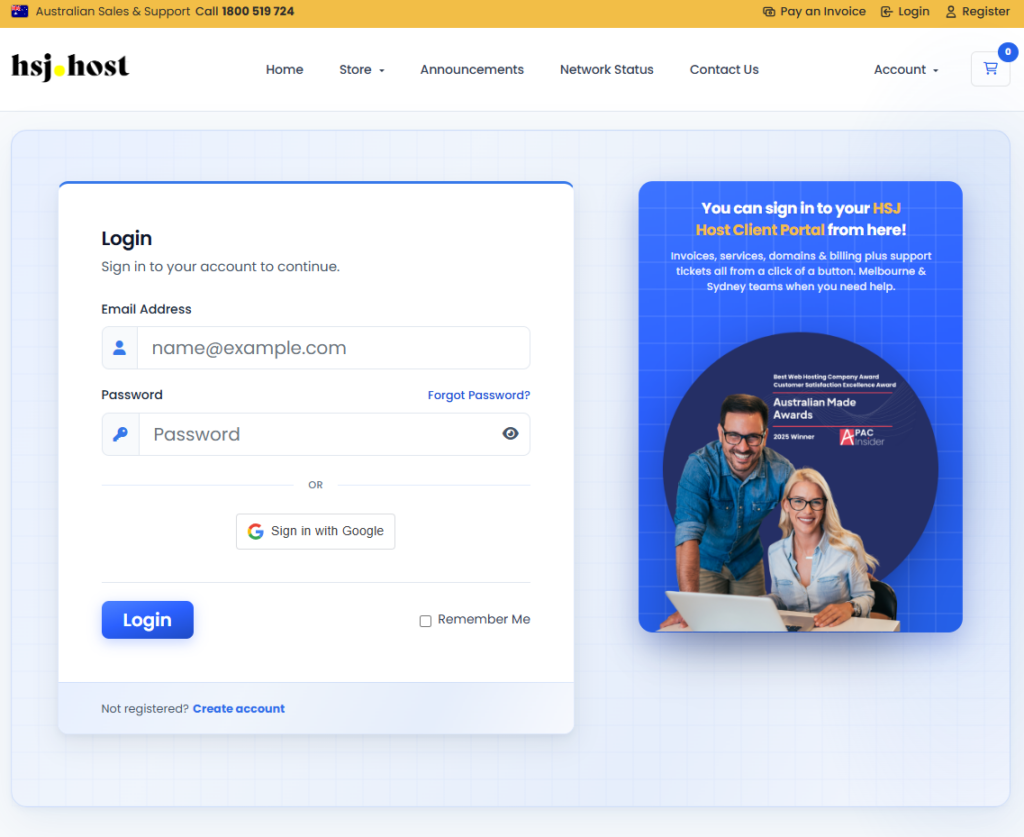
Step 1, log in to the client portal
Go to the HSJ Host client portal and log in with your account details.
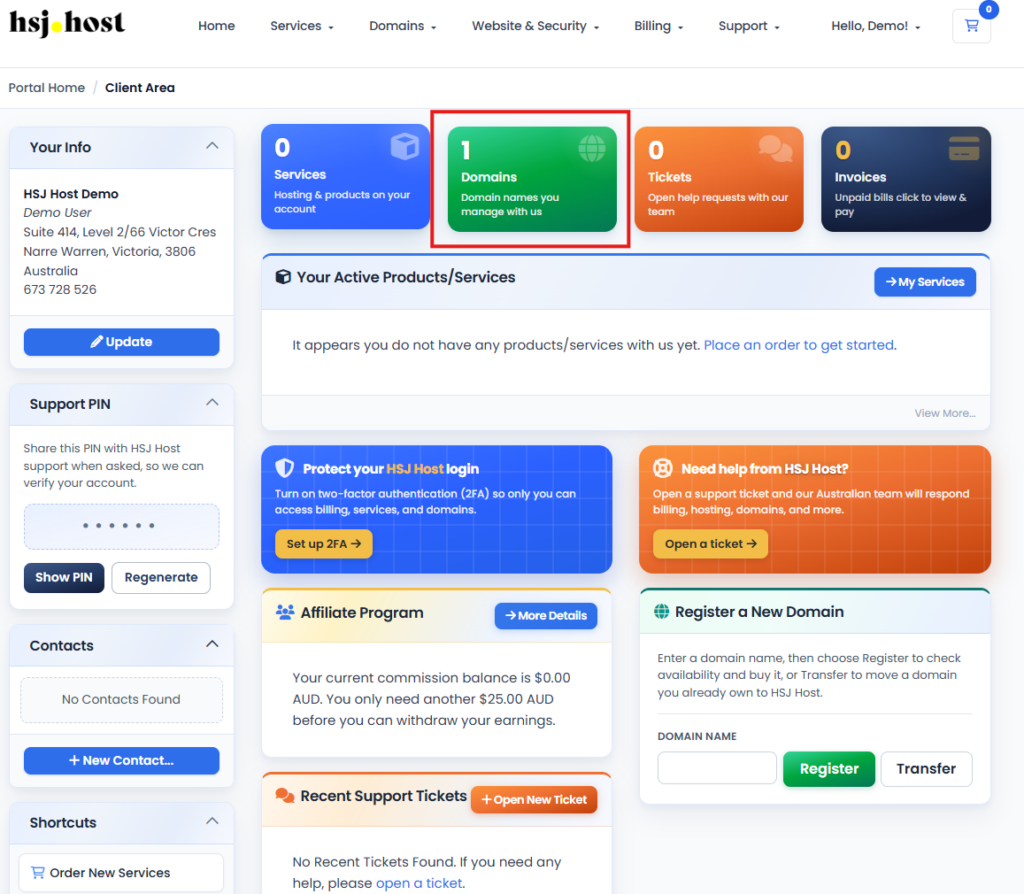
Step 2, open your domain list
Go to the Domains menu and select My Domains to see every domain on your account.
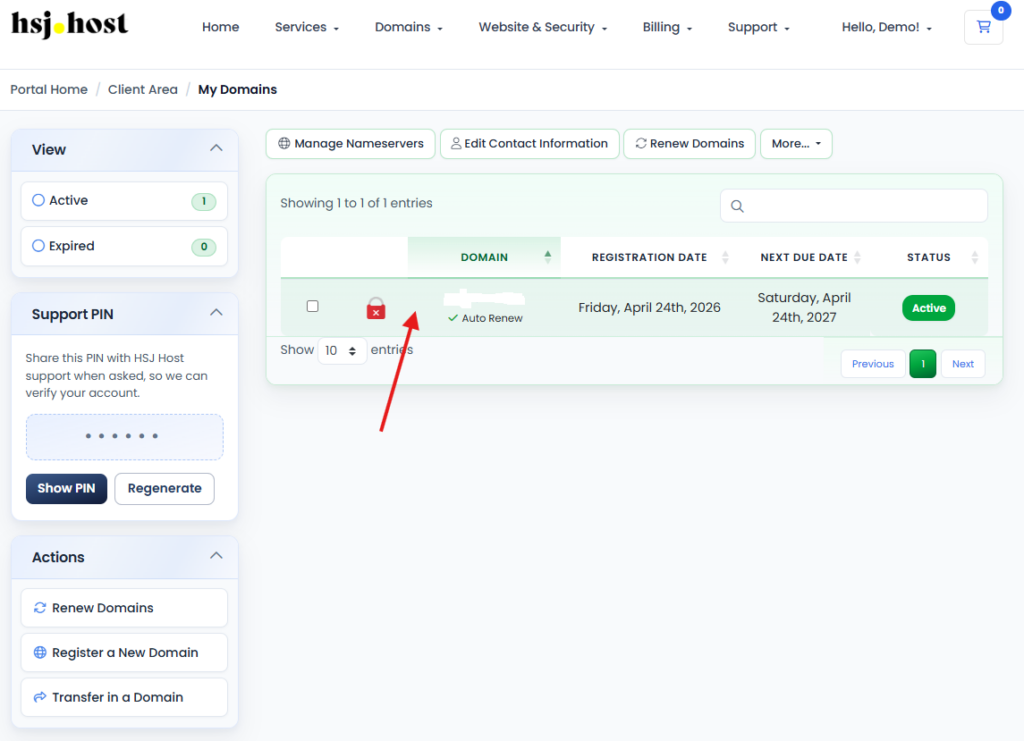
Step 3, select the domain
Click on the domain you want to update to open its management page.
Step 4, find the Auto Renew setting
On the domain management page, look for Auto Renew. It’s usually shown as a toggle or switch alongside your domain’s expiry date and other renewal details.
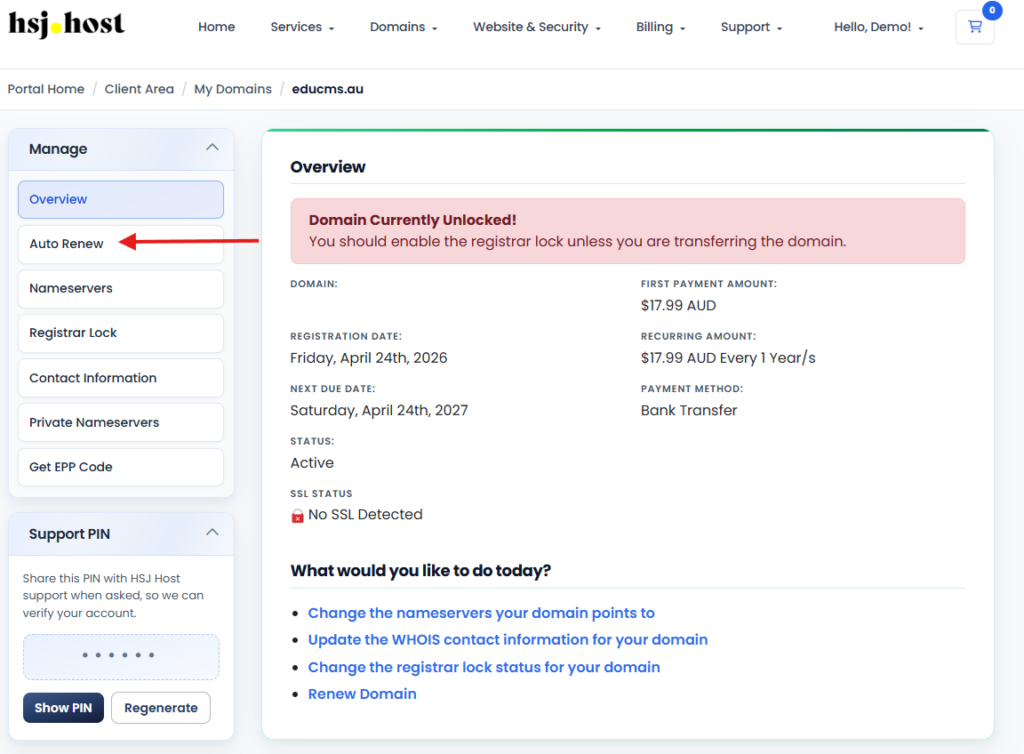
Step 5, switch it on or off
Toggle Auto Renew to whichever setting you want. Some portals will show a confirmation message once the change has been saved.
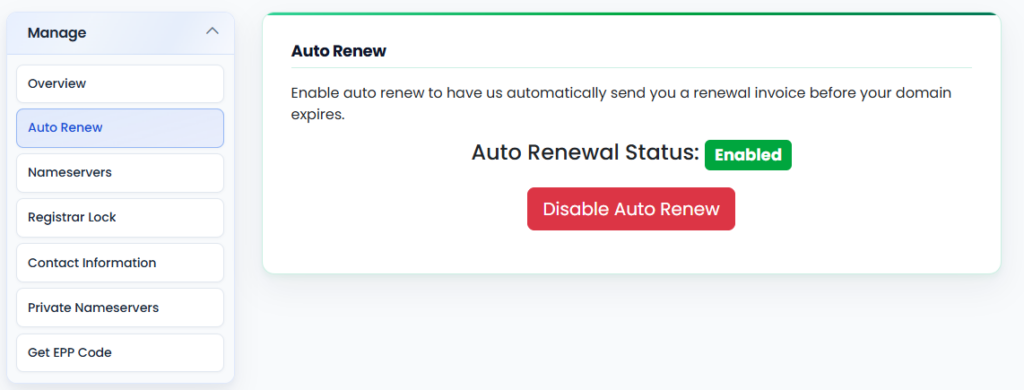
That’s it, the change applies immediately and will be reflected the next time the domain comes up for renewal.
What happens if Auto Renew is off and your domain expires?
If a domain reaches its expiry date without Auto Renew switched on and hasn’t been renewed manually, it typically moves into a grace period first. During this time it can usually still be renewed, sometimes with a late fee attached depending on the registry and domain extension. If it isn’t renewed within that window, the domain is eventually released and can be registered by someone else, so it’s worth renewing well before the expiry date if Auto Renew is off.
Things to keep in mind
- Turning Auto Renew on doesn’t charge you anything straight away, it only takes effect at the next renewal date
- Make sure your saved payment method is current if you’re relying on Auto Renew, a failed payment can mean a renewal doesn’t go through even with the setting switched on
- You can change this setting as often as you like, there’s no limit or lock-in period
- Auto Renew is set per domain, so if you manage several domains, check each one individually rather than assuming they’re all set the same way
Troubleshooting
I turned Auto Renew on but I’m not sure it worked
Check the domain management page again to confirm the toggle shows as enabled. If you’re still unsure, our support team can confirm the current setting for you.
My domain didn’t renew even though Auto Renew was on
This is most often caused by a payment method that’s expired or been declined. Check your saved payment details in the billing section of the portal and update them if needed.
Can I turn Auto Renew back on after my domain has expired?
If the domain is still within its grace period, yes, though you may need to complete a manual renewal first before Auto Renew takes effect again for future renewals. If the domain has already been released, it will need to be registered again from scratch, assuming it’s still available.
Need a hand?
If you’d like help checking or changing your Auto Renew settings, or you’ve got a domain approaching expiry and want to make sure everything’s in order, the HSJ Host support team is available 24/7 through the client portal or by calling 1800 519 724.